
Slop Filter
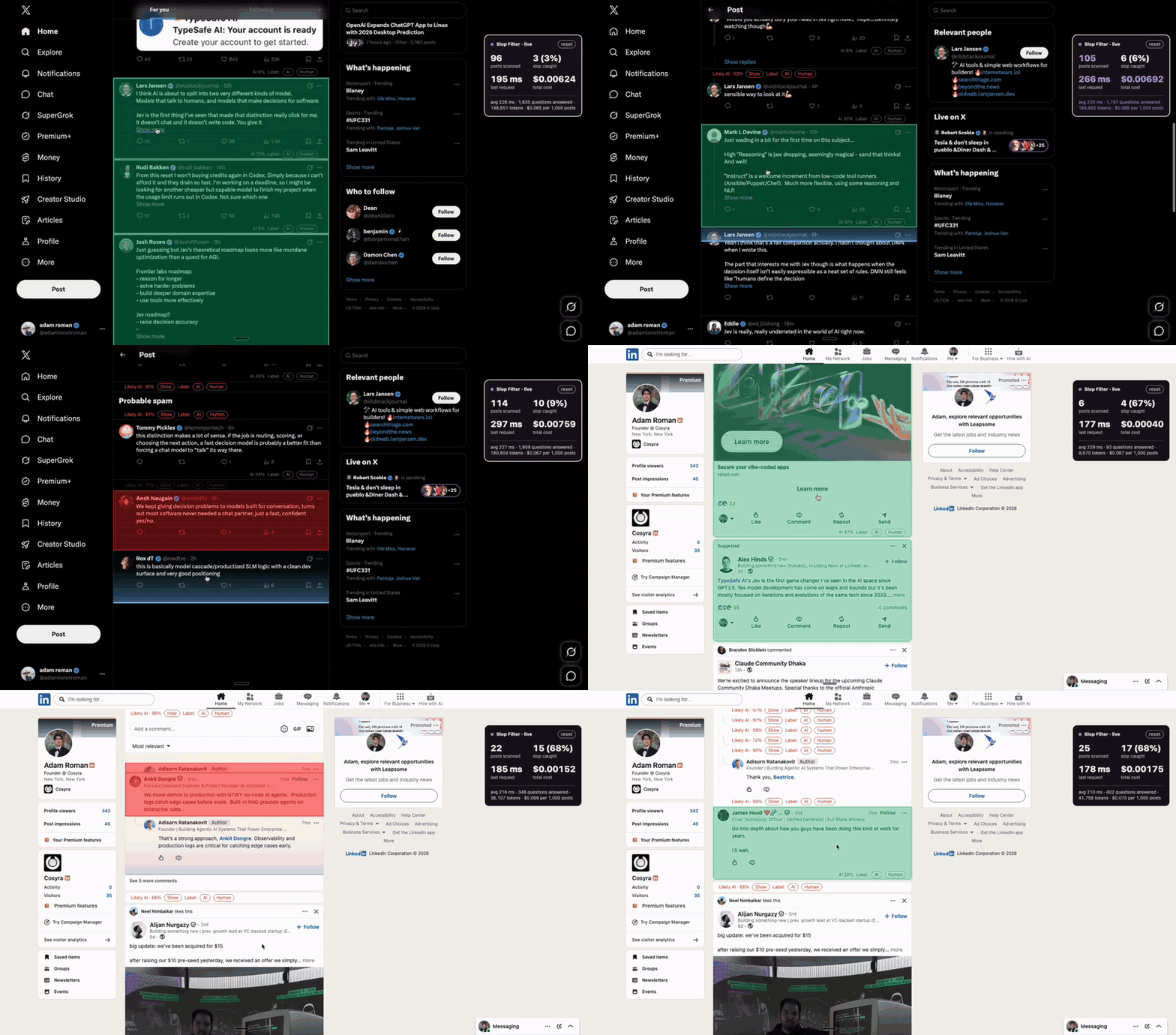
A browser extension combines Jev writing-style judgments with local rules to flag likely AI prose.
Added to Jevfast
A browser extension combines Jev writing-style judgments with local rules to flag likely AI prose.
The extension sends a post's text to Jev with narrow Noul judgments about writing patterns and a Score question for sentence-rhythm uniformity. Replies may add the parent post for questions that need it; transcript inputs add a source note and omit typed-only questions. Code combines Jev answers with local text features, then applies a human veto, hard rules, or a weighted probability to classify the post. This is the source-defined flow, not a captured request response.
Judging only how the post is written, does its prose read like a language model wrote it?
A post request contains `post.text`. A reply can also include `parent.text` when a question needs the replied-to post. A transcript adds a source note and excludes typed-only questions. The shown request is a source-derived shape, with illustrative answers only.
Score how uniform and scripted the sentence rhythm is, from uneven/natural to cleanly scripted.
A post request contains `post.text`. A reply can also include `parent.text` when a question needs the replied-to post. A transcript adds a source note and excludes typed-only questions. The shown request is a source-derived shape, with illustrative answers only.
The question builder skips reply-only questions when parent text is absent and skips typed-only questions for transcripts. State contains post text, an optional transcript source note, and parent text only when an applicable question needs it.
The background worker sends the state and typed questions to the chosen provider. It turns returned Noul and Score answers into normalized features and records which questions were asked.
The classifier reads stored or default weights, computes the post probability, and explains the strongest feature contributions. A confident human tell can cap the probability; a qualifying hard rule can set its floor.
When a fresh classification has a post handle and reaches the caller-provided threshold, the worker increments that account's flag count.
The project treats AI-like and human-like writing cues separately. Strong human cues can veto AI classification, while selected AI cues can trigger hard rules; weaker cues flow into a weighted score. Its request builder also adapts to the evidence available: reply-only questions require parent text, while typing and punctuation questions are omitted for transcripts.