
 New
NewGoutoujunshi Jev Chat
A Mac WeChat reading and reply-drafting companion with optional Jev strategy selection.
Added to Jevfast
NewA Mac WeChat reading and reply-drafting companion with optional Jev strategy selection.
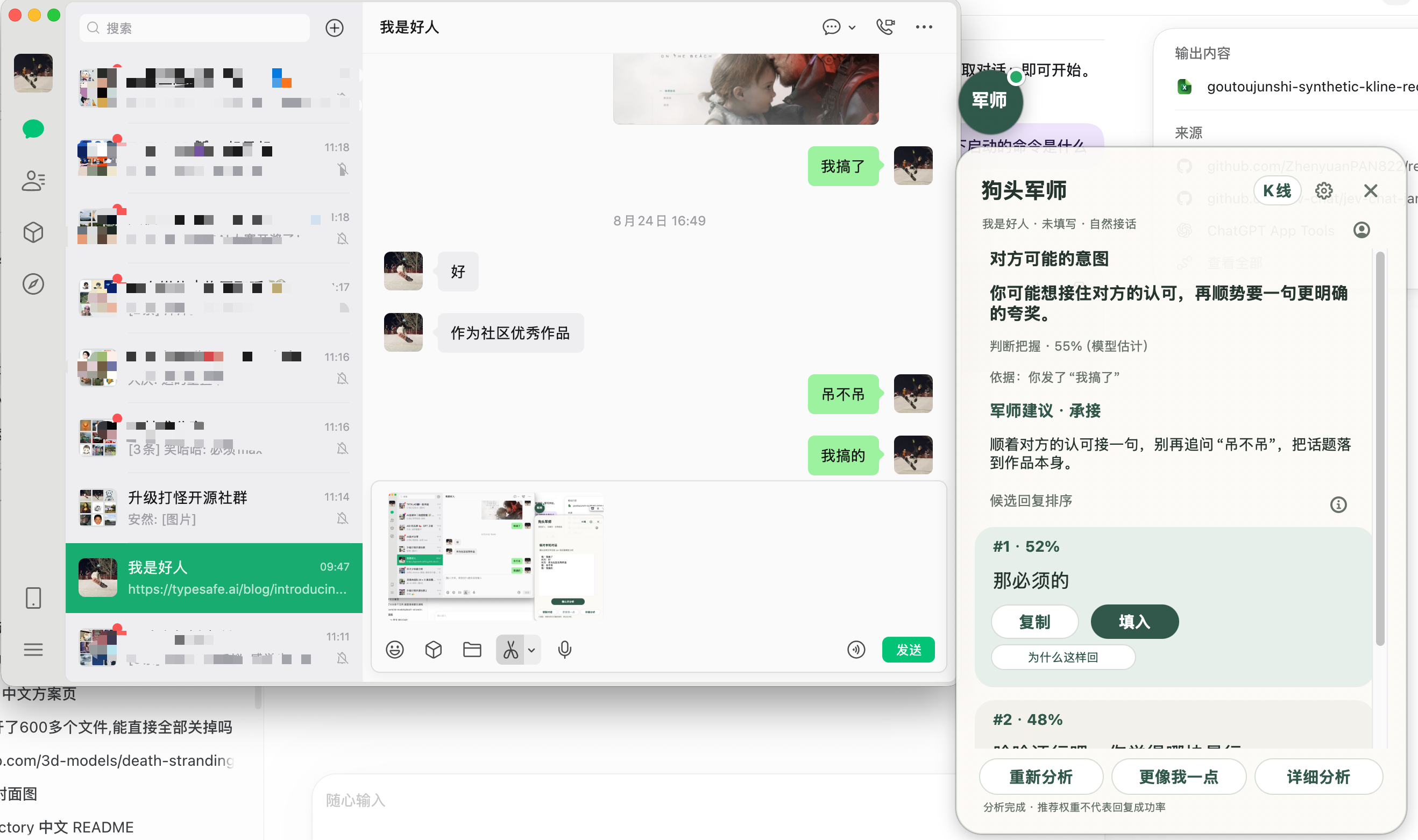
In the Mac companion’s optional Jev mode, a verified WeChat transcript, conversation title, scene, user background, and strategy-guide excerpt become Jev state. One Choice selects a reply strategy from seven options. A separate chat model drafts the analysis and candidate replies, and the pipeline rejects candidates that claim a different strategy.
Choose one primary next-turn strategy from the visible evidence while respecting boundaries and uncertainty.
Verified visible conversation transcript, title, selected scene, user background, and the relevant strategy-guide excerpt.
Read the visible WeChat conversation; the user checks transcript and speaker attribution before analysis.
When Jev is configured, request one typed strategy decision from the checked transcript and scene.
A separate configured chat model writes analysis and up to three candidate replies under the selected strategy.
Reject a reply-model strategy mismatch; the user inspects and copies or fills a draft before sending.
The implementation gives Jev a narrow strategy judgment while leaving wording to a separate reply model. It checks the boundary between those stages and includes clarification and stopping pursuit among the possible strategies.