
 New
NewJev Chat
For each new message, Jev sees the latest message, recent conversation, available recent results, and any pending question or confirmation.
Added to Jevfast
NewFor each new message, Jev sees the latest message, recent conversation, available recent results, and any pending question or confirmation.
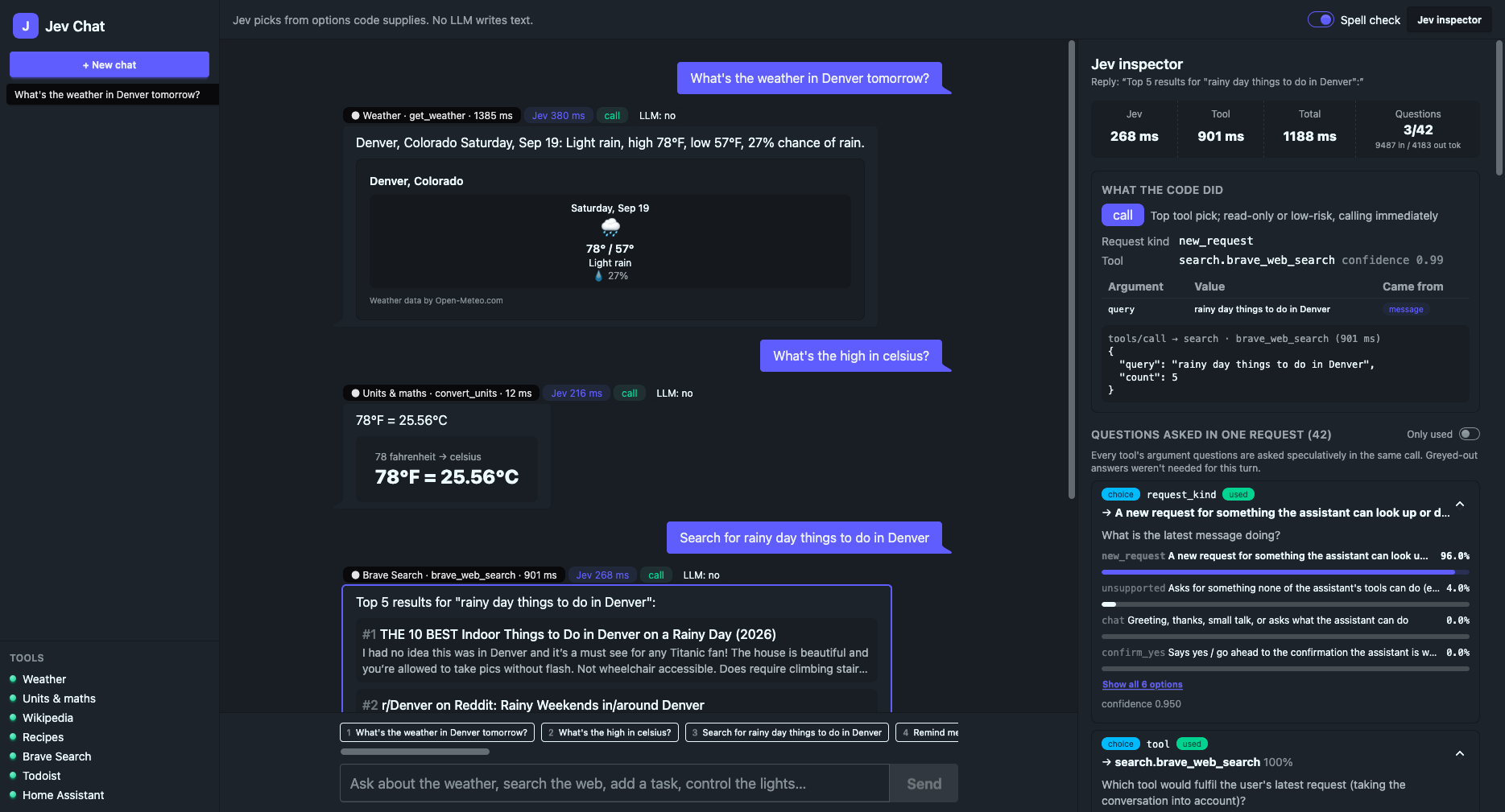
For each new message, Jev sees the latest message, recent conversation, available recent results, and any pending question or confirmation. A Choice classifies what the message is doing and another Choice selects a tool; tool-specific questions are added under stable prefixed keys. Code maps answers back to adapters and builds tool arguments from bounded candidate pools.
Classify what the latest message is doing.
The state contains the latest message, a bounded slice of recent conversation, and optional shown results or pending state.
The server combines the latest message with recent conversation, recent results, and pending state, then builds candidate pools from the message and available tools.
The server asks for request kind, tool choice, and the tools' argument questions in one typed request.
Code maps the selected tool to its adapter and maps Jev's picks back to values in the corresponding candidate pools.
The trace records the questions actually read by the selected tool flow and request totals.
The app asks one shared request for message kind, tool choice, and tool-specific values. Jev selects only among values assembled by application code, and the trace records which questions the tool flow used.