
 New
Pixel Art from Jev
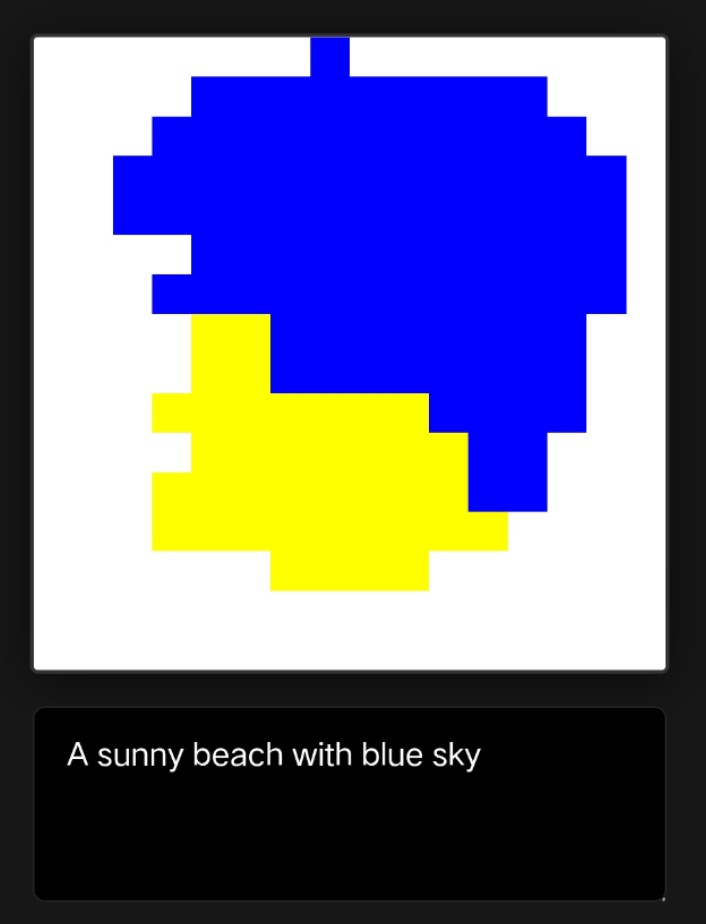
A classifier produces small pixel-art images through repeated color choices.
Added to Jevfast
NewA classifier produces small pixel-art images through repeated color choices.
The app sends a prompt and palette in state, with 256 typed Choice questions, one per location in a 16×16 grid. Each answer selects a palette color; the app assembles the returned choices into the image and can ask another round using each pixel’s previous color and 3×3 neighborhood.
Given this position in the 16×16 image, which palette color should this pixel be?
Prompt for a centered 16×16 pixel-art icon, with the palette and composition rules; each question adds its pixel coordinates and distance from the canvas center.
Package the prompt, canvas dimensions, palette, and composition instructions.
Create one Choice question for each of 256 positions, each with the palette as criteria.
Map each returned choice to its row and column and render the grid.
For each pixel, send its prior color and 3×3 neighborhood for an optional coherence pass.
It decomposes image creation into independent, position-aware color choices, then improves coherence with a second pass that gives each pixel only local context.