
 New
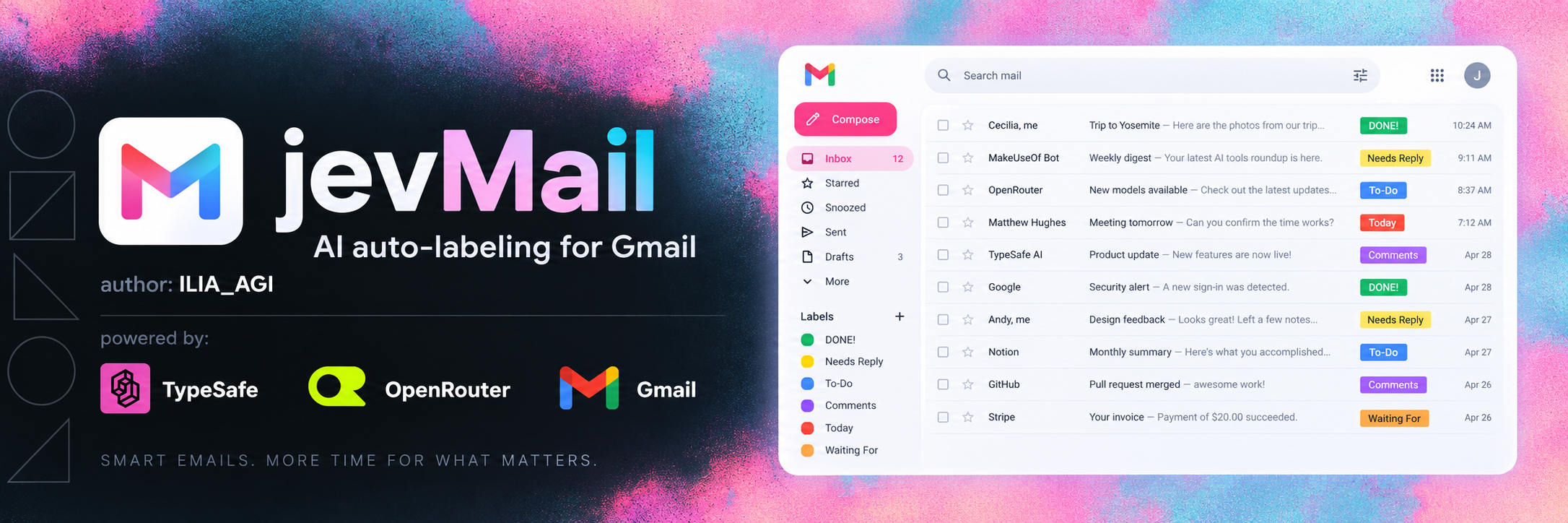
NewJev Gmail Classifier
Classify Gmail messages with custom labels, confidence gates and a metadata-first Jev decision.
Added to Jevfast
NewClassify Gmail messages with custom labels, confidence gates and a metadata-first Jev decision.
The app makes a separate Jev Choice request for each email. It first sends bounded message metadata and the user's configured label rules. If the selected label's confidence is below the metadata threshold, or a spam-like label is selected in archive mode below the archive threshold, it fetches the body and asks Jev again with the same configured choices. The final label is applied by the app; archive behavior is separately gated by mode and confidence.
Select exactly one configured Gmail label whose assignment rule best matches the email, using only the supplied email evidence.
Representative source-defined test email: sender Acme SEO <[email protected]>, subject Quick call about your SEO, and a snippet asking about SEO/backlink help and a call. The metadata-only request sends the email fields available at this stage. Its illustrative choices use the built-in Universal inbox playbook; custom saved rules can change the option list. State also identifies evidence_stage as metadata_only or full_body.
The user selects a Gmail query and run options; the app saves a snapshot of the selected label rules for that job.
Read message metadata and ask Jev one Choice question for that email, with configured label rules mapped to internal choice IDs.
For a low-confidence metadata answer, or a spam-like answer below the archive threshold in archive mode, fetch and compact the message body and ask Jev again.
Apply the chosen label and, when the configured mode and confidence allow it, archive the message. Checkpoint each completed wave so the job can resume.
The classifier escalates only uncertain messages from a cheap metadata pass to a bounded full-body pass. Each email remains an independent Jev decision even when Gmail reads and Jev requests run in parallel waves, and the app checkpoints work so interrupted jobs can resume.